
Group keepsake
See a book from start to finish.
One invitation. Everyone’s memories. A book to share and keep.
Sample book. Fictional person and names.
01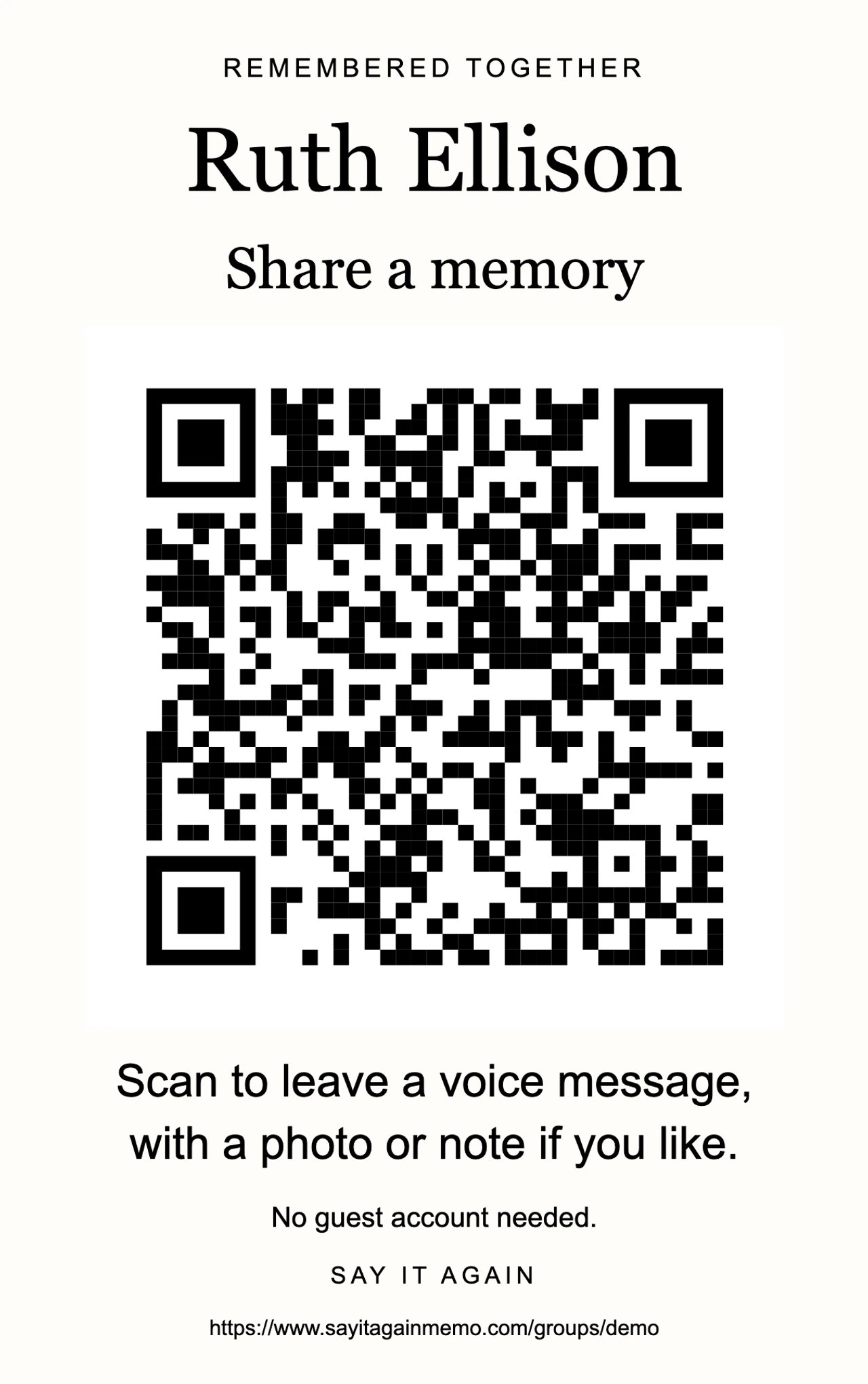
One sign invites everyone
Print the sign: its QR code opens the guest page, where people can leave a voice message, photo and note.

02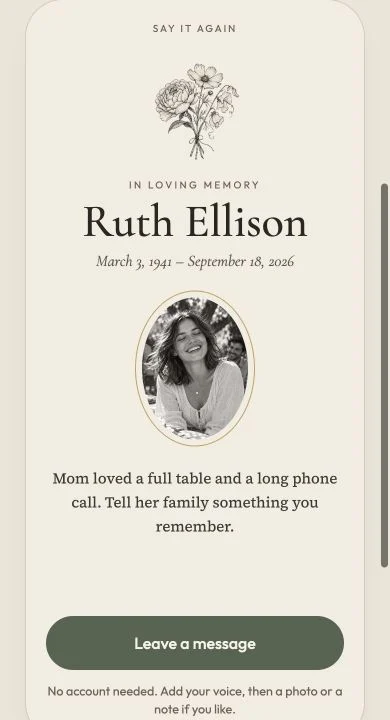
A guest leaves a message
Guests use their phones to record up to one minute, add one photo and write a note, without an account.
03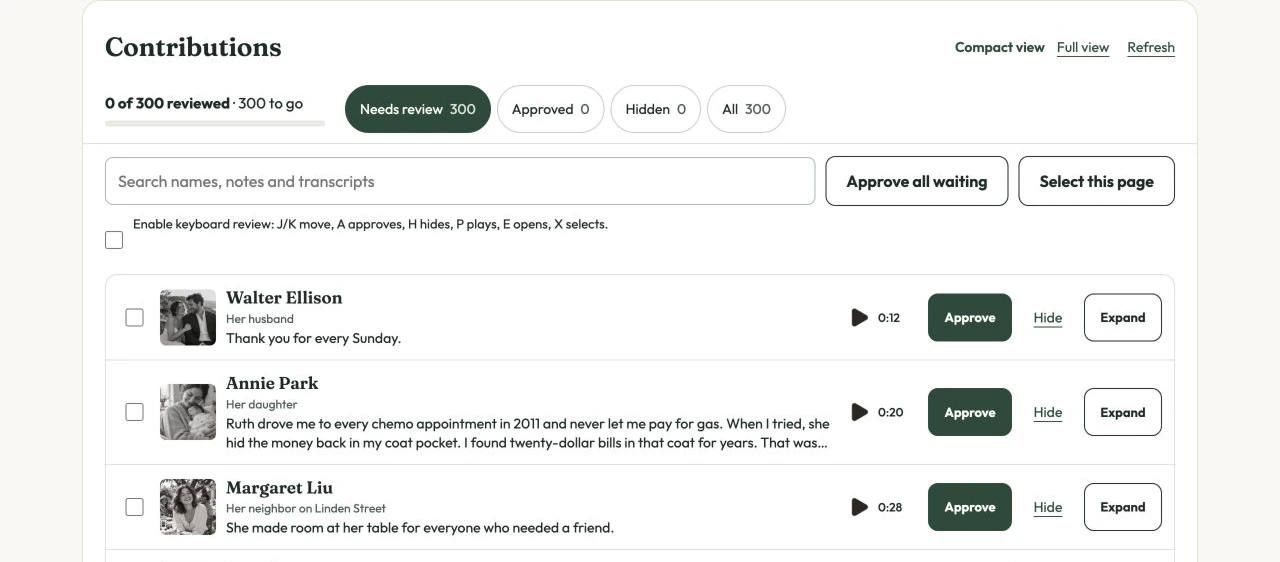
Hear every voice before publishing
Work through 300 waiting entries, listening and choosing what belongs in the book as your review count grows.

04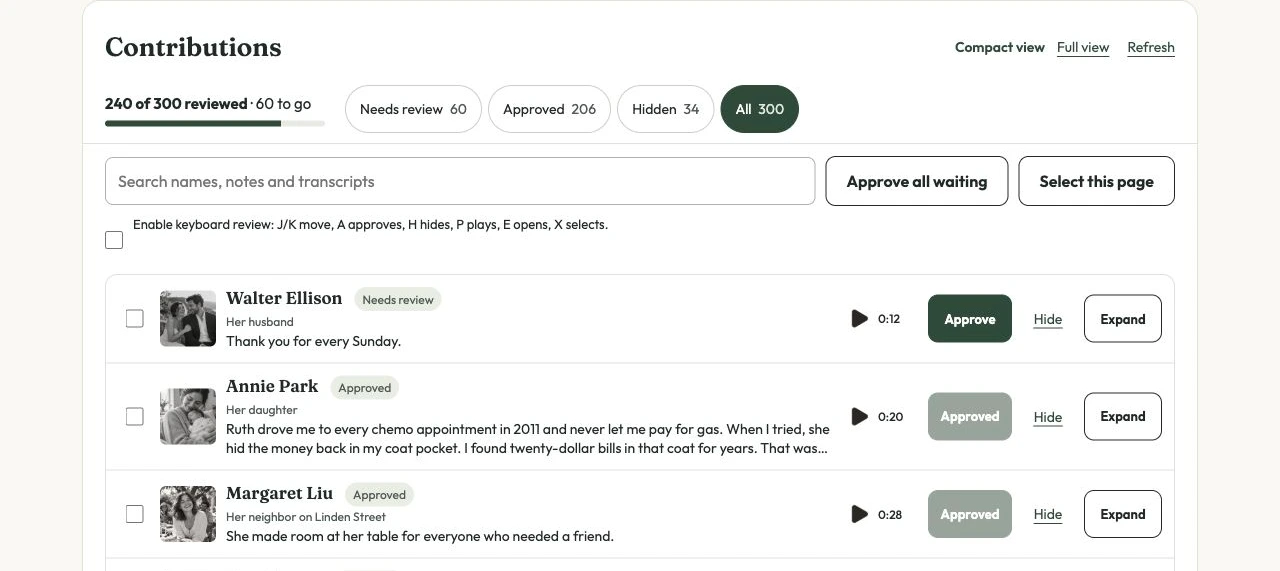
Choose what belongs, then arrange
Approve or hide contributions, search for a name or phrase and set the order of the book.

05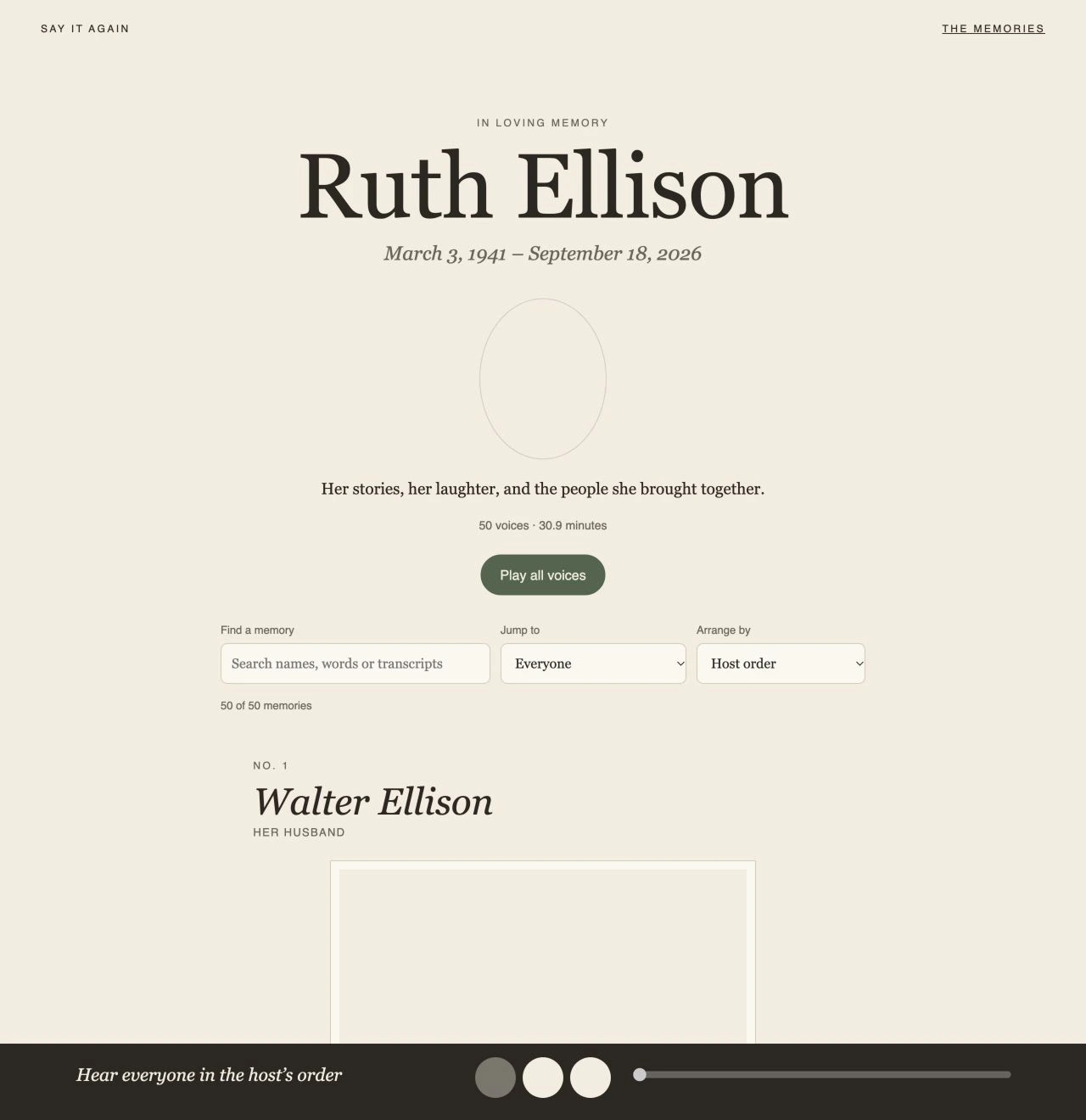
Share their voices and memories
Publish the book to bring the reviewed voices, photographs and notes together on one page for family and guests.

06
Keep a copy with you
Download a copy of the book that opens on your computer without the internet.
